THE PRODUCT

Work smarter with full fleet intelligence.

Every machine on one screen - location, fuel, hours, health. monytr connects to any brand, any age, and turns the signal into work orders, reports, and quieter Mondays.

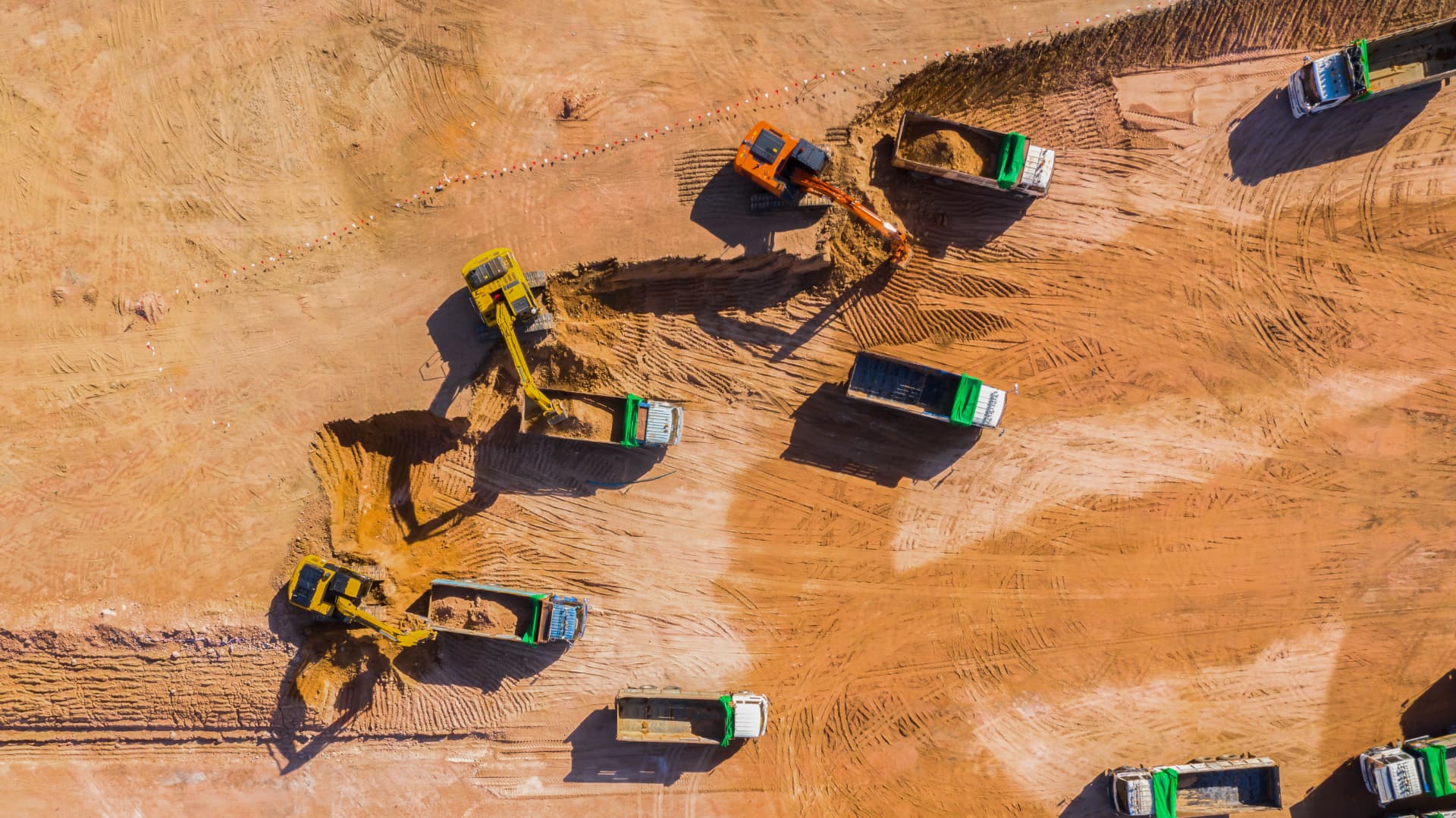
Aerial view of a working earthworks site with excavators, graders and dump trucks
Service in 23 d
Left site zone
75%Utilization
The platform

One system for everything
you own and run.

monytr is equipment management software. Every machine you own, hire out or hire in - whatever the brand, whatever the year - sits in one system. It reads what the machines already say, keeps the admin in the same place, and gives the office, the workshop and the operator the same picture.

No new spreadsheets. No portal per brand. One screen, four jobs.

01

Monitor

Every machine in one live overview - where it is, whether it's working, and what it's using.

  • Live map and status
  • Fuel, hours and utilisation
  • Alerts when something changes
02

Maintain

Service planned on real hours, faults picked up early, and the full history kept with the machine.

  • Service intervals on hours run
  • Fault codes in plain language
  • Work orders and history
03

Plan

Know what's free, what's busy and what's due before you commit a machine to next week.

  • Availability per machine
  • Geofence entry and exit rules
  • Transport and site moves
04

Report

The numbers behind the invoice, the diesel bill and the buying decision - on schedule, in your inbox.

  • Utilisation and hour reports
  • Cost and fuel per machine
  • Export or push to your ERP
Module - Map view

The whole fleet on one map.

Every machine, every brand, on a single live map. Filter by site, customer or status and see at a glance what is working, what sits idle and what has not moved since Friday. Tap a machine for hours, fuel, faults and its full history - no calling around on Monday morning.

Volvo EC220EIdling
JCB 3CXIdling
CAT 336Running
Komatsu PC210Engine off
Liebherr L566Running
Module - Fleet management

One list that keeps your fleet honest.

Every machine with its hours, site, owner and documents in one register. Move a machine to another site, assign it to a customer or an operator, and the hours, costs and service history follow it. Manuals, inspection reports and past interventions stay attached to the machine, not to someone's inbox.

Fleet overview
12 machines
MachineHoursSite
  • CAT 3364,812 hDeurne
  • Volvo L1209,140 hKontich
  • Liebherr R 9262,305 hWorkshop
RunningIdlingEngine off
Module - Maintenance

From Signal to work order in one click.

monytr counts every machine's hours and tells you what's due before it's overdue. A Signal becomes a work order your mechanic can pick up - machine, issue, and location attached. When it's fixed, it's logged. The full service history of every machine lives in monytr, not on a whiteboard.

Volvo EC220E
Open
  • Coolant fault - reported by Signal, 14:02
  • Assigned: workshop
  • Location: Yard - Deurne
CAT 336 - 1,200 h service
Done
Module - Service intervals

Service planned on hours, not on hope.

Set the intervals per machine or per model once - 500 h, 1,000 h, oil and filters - and monytr counts down on real engine hours. You see what is due this month, what is coming next, and you plan it in the quiet window instead of on the busiest day of the year.

Service intervals
Next 30 days
  • CAT 336 - 1,500 h servicein 40 h
  • Volvo L120 - oil & filtersin 120 h
  • Liebherr R 926 - 500 h checkin 310 h

Planned on real engine hours, not calendar guesses.

Module - Geofences

You draw the zone. monytr keeps watch.

Draw a site, a yard or a customer's project on the map and set what should happen when a machine enters or leaves it. monytr watches every zone on every machine, around the clock, and you only hear about it when one is crossed. On your phone, in your inbox, or both.

Zone rules - active
3 of 3 on
  • Enters Zone Deurne
  • Leaves Zone Deurne
  • Leaves Yard Kontich
Signal

Volvo EC220E left Zone Deurne, 03:12.

Module - Fault codes

Fault codes in plain language.

monytr reads DTC, SPN and FMI codes straight off the bus and translates them into what is wrong and how urgent it is. Codes are grouped per machine with the first and last occurrence, so you see the difference between a one-off blip and something that comes back every week - and turn it into a work order in one click.

Fault codes - active
3 open
  • SPN 3251 FMI 3Aftertreatment pressureHigh
  • SPN 110 FMI 16Coolant temperatureMedium
  • SPN 3364 FMI 18DEF level lowLow
Module - Signal history

Every signal, plotted over time.

Fuel, DEF, hours, temperatures, pressures: pick a signal and monytr plots it over days or weeks. You see the refill, the leak and the slow drift instead of one number from this morning. Compare machines, zoom in on the hour a fault appeared, and export the series when you need to prove what happened.

Signal history - Volvo EC220E
Last 7 days
105 %75 %45 %
30 Jul1 Aug3 Aug5 Aug
DEF level (%)
Module - Documents

The machine file, in the cab and in the yard.

Manuals, inspection certificates, insurance papers, delivery notes and every past service report live on the machine itself. Upload once from the office, open it on a phone next to the machine. Expiry dates on inspections and certificates get flagged before a machine is standing still for paperwork.

Documents - CAT 336
14 files
  • Operator manualPDF - 4.2 MB
  • Periodic inspection 2026PDF - valid until 04/2027
  • Service report 1,200 hPDF - workshop
Module - Reports

The numbers your Monday meeting runs on.

Utilization per machine, per site, per customer. Fuel consumption that explains the diesel bill. Hour reports that drop straight into invoices and service planning. Build it once, then have it land in your inbox on schedule - or export everything to Excel whenever you want.

Utilization - June
3 machines
  • CAT 336
    87%
  • Volvo L120
    64%
  • Liebherr R 926
    31%
Export to ExcelSchedule weekly
Module - Integrations

Every machine talks. monytr listens.

If your machines already send data to the manufacturer's own portal, monytr picks it up there. One connection per brand, and the whole mixed fleet shows up in one place.

Caterpillar logo
JLG logo
Takeuchi logo
Sany logo
JCB logo
Manitou logo
Liebherr logo
CASE logo
Volvo CE logo
+ many more

A selection, not the full list - if a brand runs in your yard, ask us and we'll connect it.

Module - Hardware

Built for the yard, not the office.

One small box on the machine. It reads what the machine already says and sends it on - sealed against dust, water, and the guy with the pressure washer.

4GOnline
4GCANMODBUSGPS
4G
Sends over mobile network, with GPS on board
CAN J1939
Reads the machine's own bus - any brand, any age
Modbus
Gensets and power units, every controller on the market
Three ways to fit it
01

Plug harness

Straight into the machine's connector. No cutting, no splicing.

02

Wire to wire

For older iron without a connector - a clean, direct hookup.

03

CANclick

Wireless reading, clamped onto the bus. Nothing opened, nothing cut.

Whichever fits the machine - we pick it on site, not in a spec sheet.

Electric machines

Diesel or battery - same screen.

Electric excavators, loaders, telehandlers and MEWPs speak CAN bus too. monytr reads them directly, so a battery machine sits next to a diesel one in the same fleet list - with the numbers that actually matter for an electric asset.

State of charge, operating hours, charging sessions and battery health come off the bus as normal events - the same alerts, reports and work orders apply. No separate portal, no second login.

State of charge
Live %, per machine

Know which machines can finish the shift before you dispatch them.

Operating hours
From the bus

Real run hours for service intervals and billing - not a guess from GPS movement.

Charging sessions
Start, stop, duration

See what charged overnight, what didn't, and which machine got skipped.

Battery health
Trend over time

Capacity and consumption trends, so degradation shows up long before downtime.

Hybrid fleets are the normal case: mixed brands, mixed drivetrains, one event model.

Use cases

Different yards, same result: machines that earn.

Mobile app

Workr - monytr in the operator's pocket.

Workr is our companion app for the people actually driving the machines. Assets, live data, documents and work orders - all on the phone that's already in their pocket. iOS and Android, offline-tolerant, built for gloves and daylight.

  • Every asset, on hand

    Scan a QR or pick from the list - the operator sees the machine's full profile before turning the key.

  • Live metrics

    Fuel level, engine hours, DEF/AdBlue, idle time and location - the same numbers the office sees.

  • Fault codes, translated

    SPN / FMI codes come through in plain language, with severity and the recommended next step.

  • Documents & service history

    Manuals, inspection reports and every past service on the machine - one tap away in the yard or on site.

  • Work orders assigned to me

    Today's jobs, sorted. Open one to see the machine, the checklist and the parts required.

  • Perform work orders

    Tick off steps, log hours, add photos and sign off - the record lands in monytr the moment there's signal.

Book a demoiOS & Android · offline-tolerant
Workr
Assets
Workr
Work order
Workr
Fault code

Illustration of the monytr mobile app.

  • Hosted in Europe
  • GDPR-compliant
  • Your data is never sold or shared
FAQ

Questions, answered.

See what your machines have been telling you.

Book a demo - we'll look at your fleet, not slides.